The Tickets-button shows all submitted tickets by you ánd your co-workers registered on support.motulus.com.
By default only Open and Pending tickets are shown. You can select tickets with other statuses if you open the Status-dropdown list.
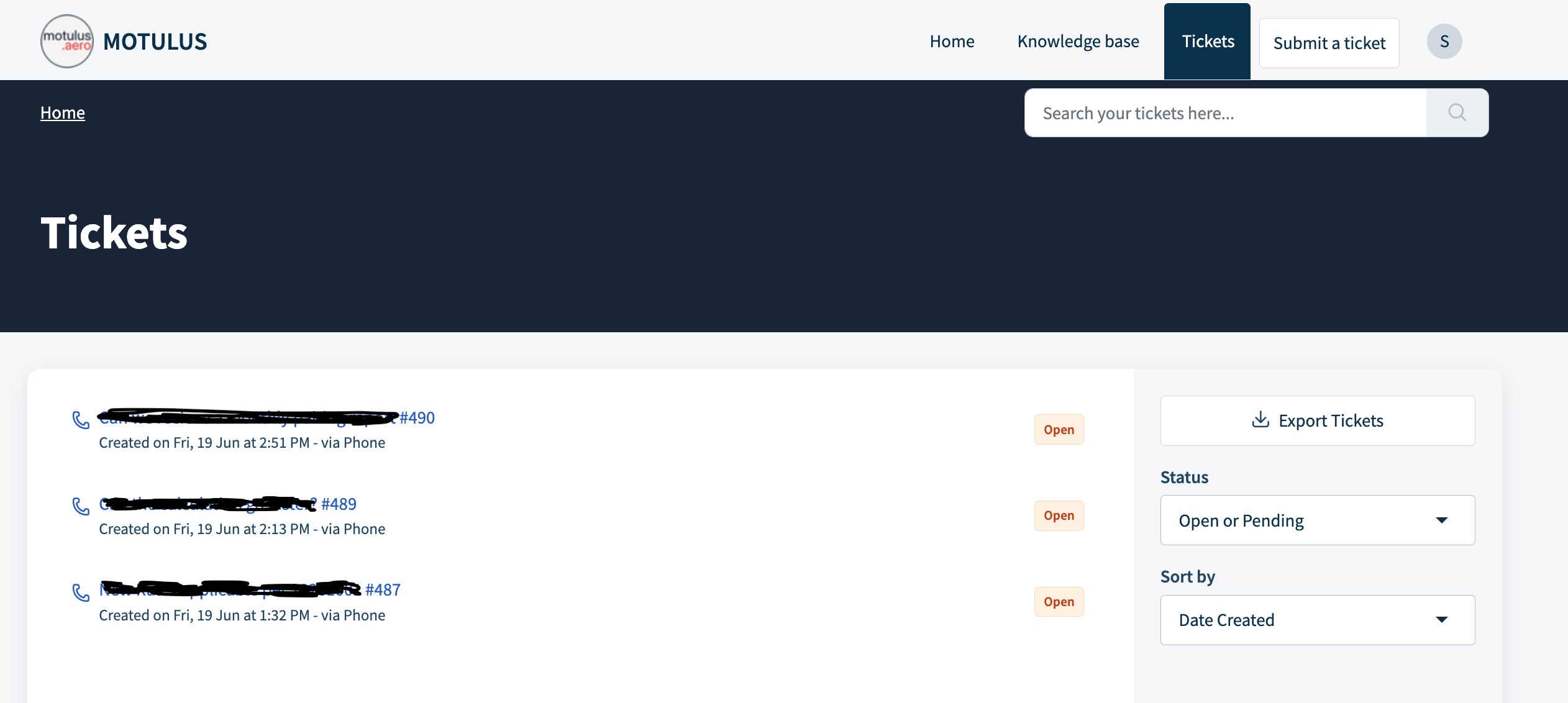
You can also sort you tickets by Date Created, Priority and Status. Per item you can also choose whether you want to sort them Ascending or Descending.
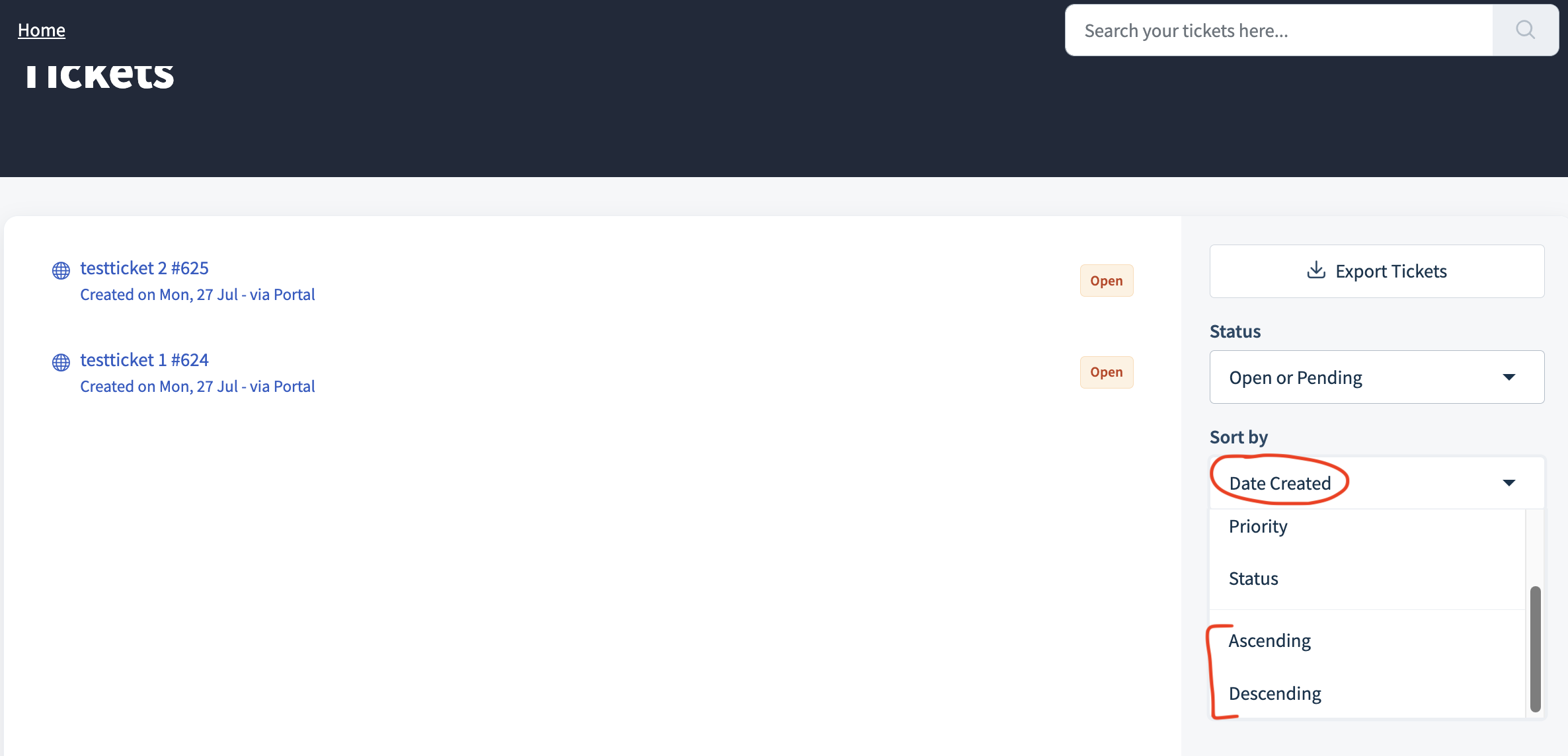
You last choice (Status and Sort by) will be remembered when opening Freshdesk again.
Was this article helpful?
That’s Great!
Thank you for your feedback
Sorry! We couldn't be helpful
Thank you for your feedback
Feedback sent
We appreciate your effort and will try to fix the article